
Generate an Invoice
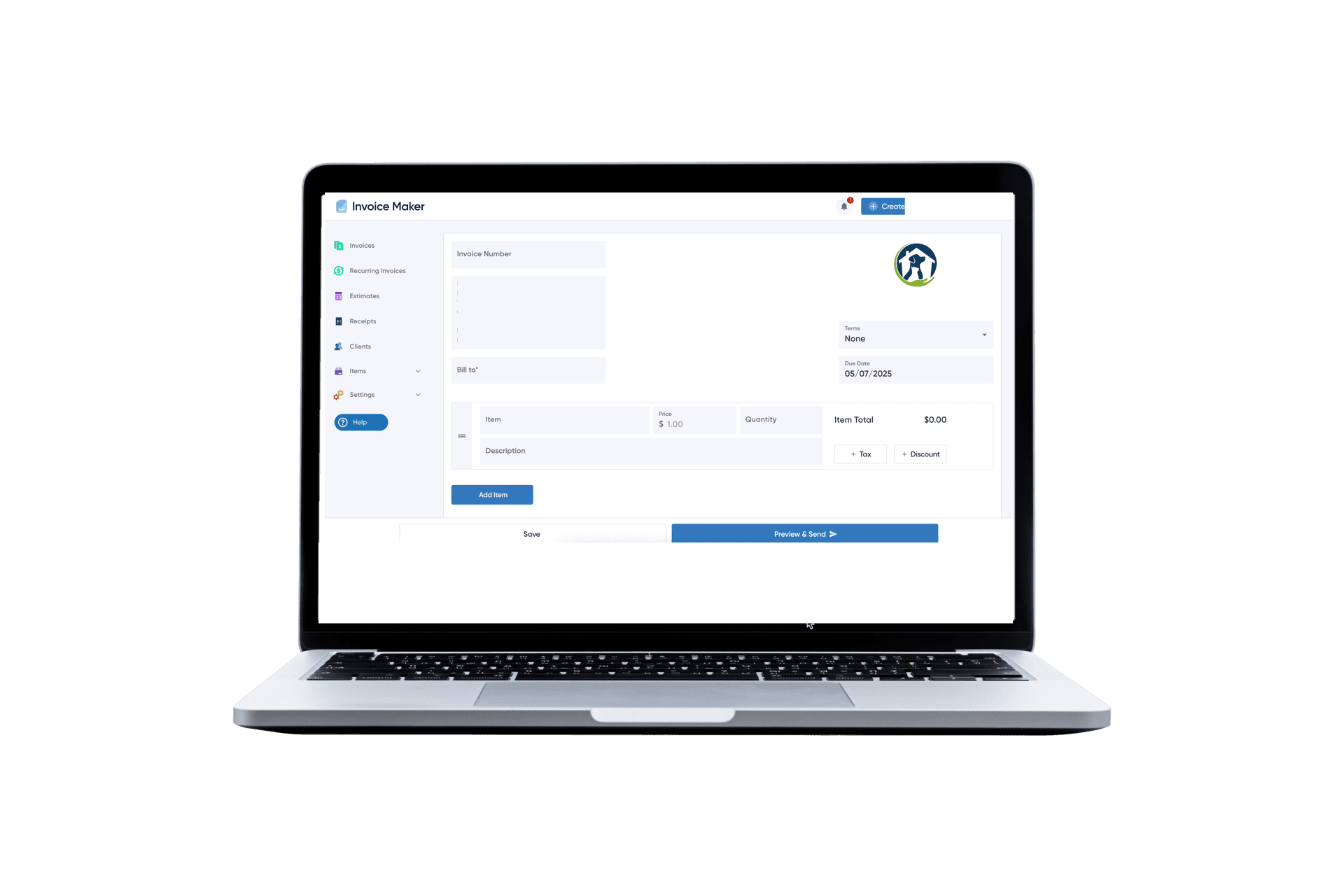
Build custom professional invoices in 2 minutes with our free invoice creator! Perfect for freelancers, small business, contractors and other types of service providers, or individuals. With our online invoice maker, you can add your company name, logo, items and charges with descriptions, taxes and payment terms. Download immediately as a PDF, or send a link to your customer. Accept online payments, via Credit Card, Venmo or Zelle. Get Google reviews for your business. Trusted by over 1m+ Users
Free Invoicing Guide
Everything you need to know about creating, sending invoices, and helping you get paid faster. Learn More

FAQs
Invoice Maker is designed for anyone who needs to easily create a professional invoice. Our easy to use invoicing software and app are perfect for freelancers, trades people (Contractors, Plumbers, Electricians, Painters, HVAC techs, landscapers, cleaners, even babysitters or other service providers), professional services providers (such as a Lawyer, Accountant, Consultant, IT professional, Designers, Architects, Realtors or Agencies), and small business owners of all types. Even Individuals who need create Invoices
Whether you’re sending your first invoice or managing repeat clients, Invoice Maker helps you quickly generate clean, professional invoices without overthinking it. You can create invoices for services, hourly work, fixed projects, estimates, quotes, or even simple one-off jobs.
Small businesses or individuals who need to quickly create, customize, and send invoices of any type can use Invoice Maker. This includes side hustlers, independent contractors, gig workers, startups, and growing businesses that don’t want complicated accounting software.
You can add line items, taxes, discounts, payment terms, due dates, and customer details in just a few clicks. Download invoices as PDF, print them, or send an invoice link directly to clients. If you need to accept payments, you can connect payment methods and get paid faster, or provide instructions on how to send manual payments such as a check, cash, venmo, zelle, cashapp or other.
Invoice Maker works from your desktop, laptop, phone, or even tablet. You can send invoices from your office, house, or on the go via our app. If you’re searching for an invoice generator, invoice template, billing software, or a free invoice maker that just works without the learning curve, this is built for you.
If you want to read more about how to create invoices check read more here
There are many ways to make an invoice. You can use our FREE Invoice Generator, a web, desktop or mobile app, from a free template, by hand or hundreds of methods. For step-by-step instructions, follow our complete guide How To Create Invoices
Invoice Maker offers a free invoice creator that lets you build and download (ad a PDF) a professional invoice in minutes. No account required. For unlimited invoices with payment tracking and online payments, see our paid plans.
No. Freelancers and self-employed individuals can invoice using their personal name and address. If you have an EIN, include it. If not, your Social Security Number functions as your tax ID — but never include it on an invoice. Use your EIN instead.
An invoice is a request for payment sent before payment is received. A receipt is a confirmation of payment sent after the transaction is complete.
For most freelancers and small service businesses, Net 14 or Net 15 is the recommended default. Reserve Net 30 for established clients with a proven payment history or for larger B2B contracts where longer terms are industry-standard.
Follow the escalation timeline. If a client remains unresponsive past 60 days, your options include a collections agency, invoice factoring (selling the receivable for immediate cash), small claims court, or a formal demand letter from an attorney. We cover this in more detail on our How to create invoices page
Invoices alone are not contracts, but they do serve as legal evidence of a transaction. Pair your invoices with a signed contract, service agreement, or statement of work for maximum legal protection.
The IRS minimum is 3 years. However, since the IRS can examine returns further back in certain circumstances, many professionals retain financial records for 7 years. Digital storage makes longer retention both practical and inexpensive.