
Timesheet Invoice Template


(No Ratings Yet)
 PDF,
PDF,  Excel &
  Word) or create one online!
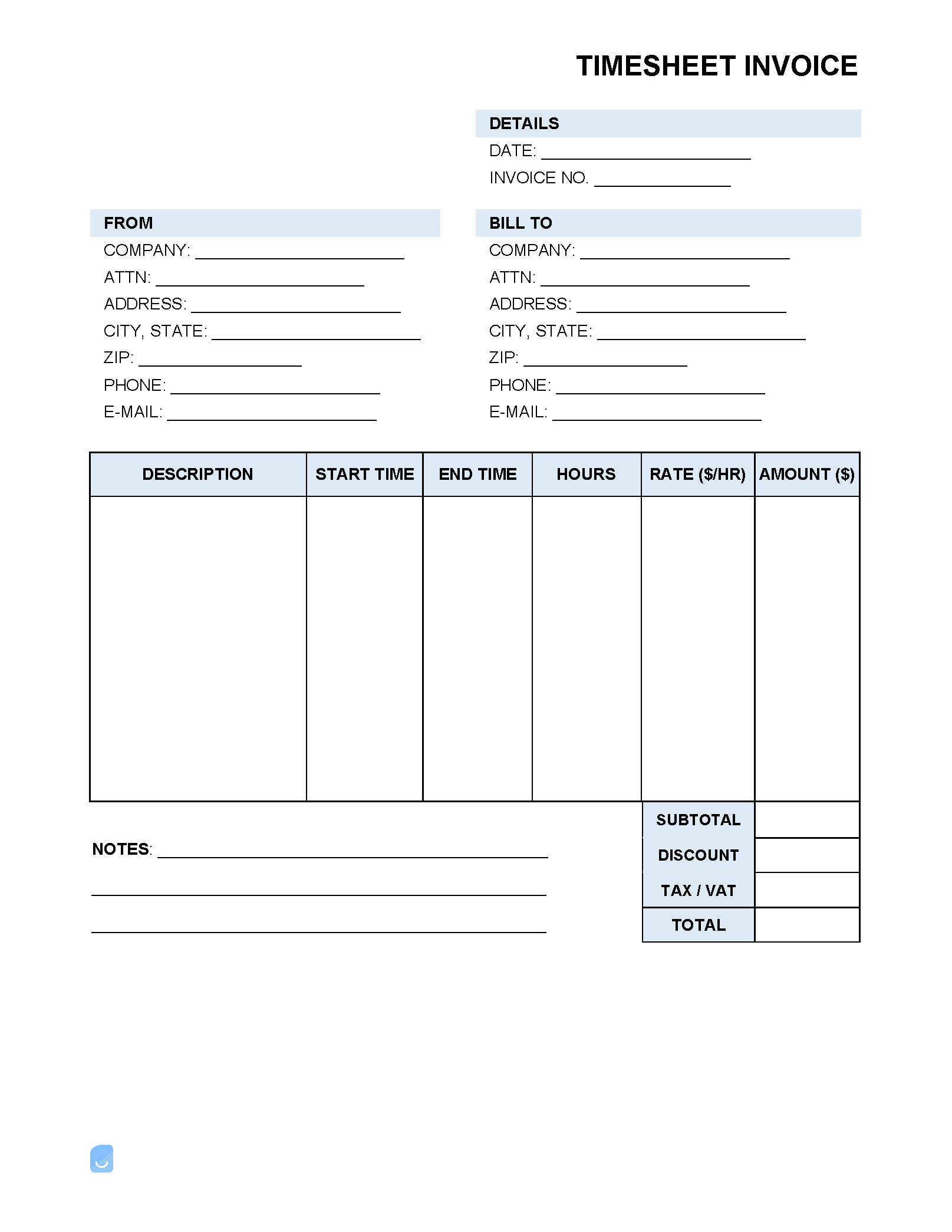
A timesheet invoice combines a standard invoice and a timesheet into one, allowing hours worked to be documented and charged-for. The timesheet provides space for stating what an employee’s hourly rate ($/hr) is, the time they began working, clocked out, the total hours worked each day, if they were sick or took a vacation day, and the job or task they worked on.
What is a Timesheet?
A timesheet is a document that states the number of hours an employee spent working in a given week, month, or other time increments. It will typically contain spaces for five (5) days, Monday through Friday, with an area to state exactly when the employee began work, the breaks (if any) that were taken, any overtime worked, and other necessary information.
Standard Timesheet vs. Timesheet Invoice
- Standard timesheets are used by a company’s HR department to pay an employee’s wage. They can be paper-based, used through a cloud system, or be recorded through a computerized system requiring inputs from employees or HR professionals. Generally, timesheets are handled by the employer and not the employee.
- Timesheet invoices, on the other hand, are used by a freelance or contracted employees to request payment from the company they are working for. Although similar to a standard invoice in that it lists the number of hours worked and the total amount owed, timesheet invoices take it a step further by outlining exactly when a freelancer was working during the day. While not all freelancers decide to do this, those that do often find relations with their employer improve due to the transparency and honesty it displays.
What to Include
In order to give an employer a complete picture of the time that was worked, it is important that the following pieces of information are included in the invoice:
- Employee’s Name
- Employee’s ID # (if applicable)
- Employee’s Title
- Number of agreed-upon hours per week worked
- Invoice start & end dates
- The in/out times for each day worked
- Sum of each day’s total hours worked
- Number of hours of overtime/sick/vacation time (if any)
- Employee’s hourly rate
- The total invoice amount owed (hourly rate x total hours worked)
- Any notes regarding the work that was done
- Employee’s signature
- Supervisor/employer’s signature
The main difference between an invoice and a timesheet invoice is detail – there are several other field types that can be included if the freelancer or contractor so chooses. Simply put, if there is information that would add clarity to the invoice, it should be included. If not, it can be left out.
Not sure where to start? Learn the basics in our complete guide on how to create invoices before customizing your template.
Sample
FAQs
Yes. Our Timesheet Invoice Template is completely free. No credit card required. No sign-up required to download or use. You are free to save it, edit it, or modify it to fit your needs.
Possibly. To edit an XLS or a Word document, you may need Microsoft Office installed on your computer. You can also possibly use Google Docs Online with your Google account
For help using Timesheet Invoice Template, check out our resource at How to create invoices, which covers everything you need to know to make your own invoices.
If you just need to generate invoices online without downloading anything to your phone or computer you can use our Free Invoice Generator