
Upholstery Work Order Template


(No Ratings Yet)
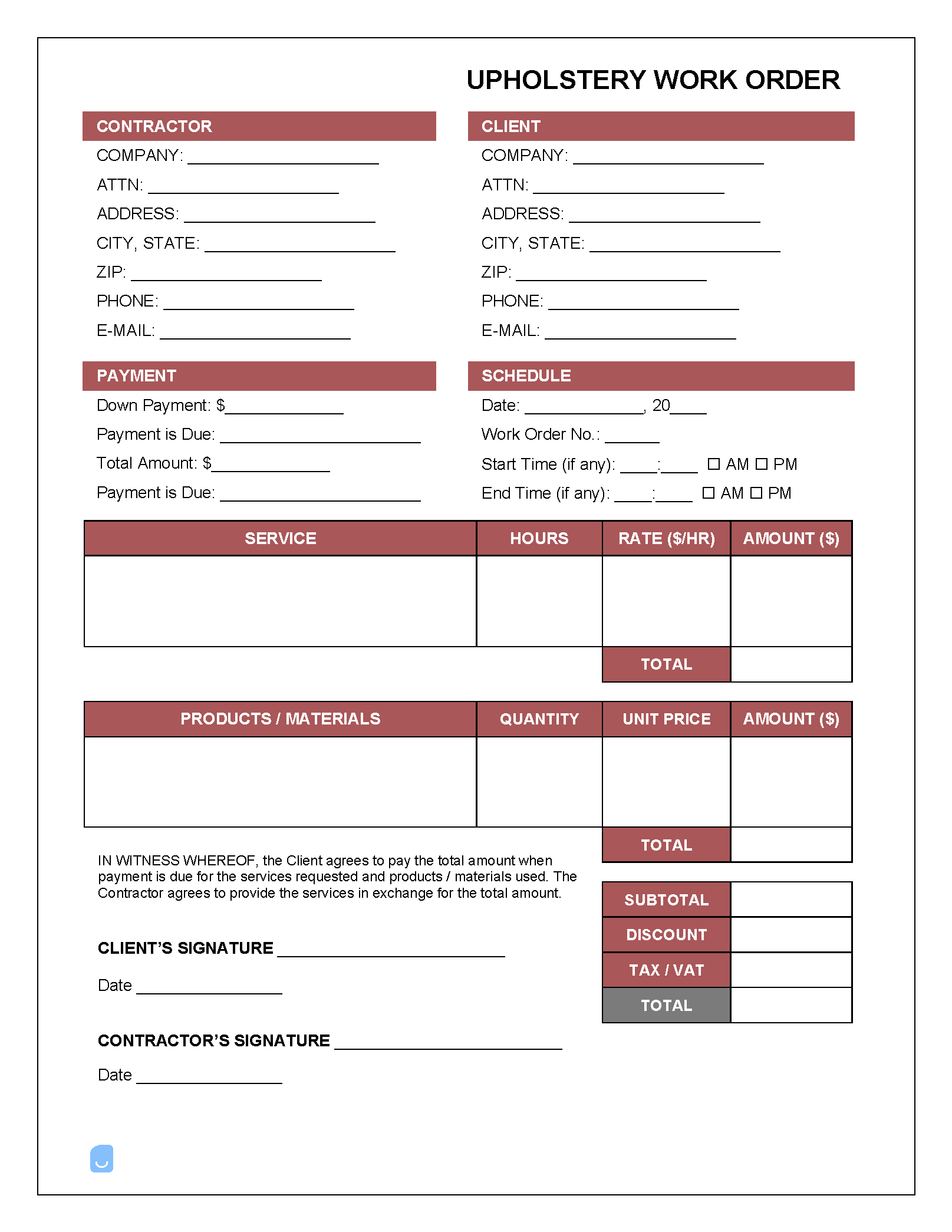
An upholstery work order, once completed, provides an upholstery business with detailed information regarding a customer’s request to have their furniture repaired. The form can be used for a wide variety of repair jobs, including automobile/boat upholstery, standard domestic furniture, and mattresses, to name a few. For billing a customer for already-completed upholstery work, use the upholstery invoice template.
 PDF,
PDF,  Excel &
  Word) or create one online!
The Upholstery Process
While the exact process may differ from business to business, in general, the upholstery process from beginning-to-end proceeds as follows:
- The customer makes contact with the company, sending any and all information required to form an estimate.
- Description of the issue/request
- Several high-quality photos of the furniture (the clearer, the better)
- The upholsterer goes through the photos and request(s), forming an estimate of the total cost.
- The upholster call the customer back with various options and their associated price estimates. If the customer approves of an option, the upholsterer will request the customer select a fabric type for the job. To do this, the customer can look through an online catalog, or come to the shop in-person to make the selection.
- Once a fabric has been chosen, the upholsterer will contact their supplier to see if the desired fabric is in stock and its cost.
- The upholsterer completes the work order, including all final costs (now that the desired options are known as well as the cost of materials).
- The customer is sent the work order. If they approve of the information contained therein, they will sign the order, officially approving of the job. They will then make the full payment as required by the order. For online work orders, payment can be accepted by card, speeding up the process considerably.
- Once the order has been received by the upholsterer, they will schedule a time for the work to be started, and order (or set aside) all required materials.
- The customer will be requested to bring in their furniture by the work start date (or preferably a few days ahead of schedule).
- The work is performed. Once finished, the customer will be contacted, informing them of how the job went and letting them know they can pick up their furniture.
Common modifications/repairs:
- Replace seat springs
- Tighten fittings and joints
- Raise or lower seat height
- Replace linings
- Add/remove seat padding
- Mend tears/holes
Not sure where to start? Learn the basics in our complete guide on how to create invoices before customizing your template.
Sample
FAQs
Yes. Our Upholstery Work Order Template is completely free. No credit card required. No sign-up required to download or use. You are free to save it, edit it, or modify it to fit your needs.
Possibly. To edit an XLS or a Word document, you may need Microsoft Office installed on your computer. You can also possibly use Google Docs Online with your Google account
For help using Upholstery Work Order Template, check out our resource at How to create invoices, which covers everything you need to know to make your own invoices.
If you just need to generate invoices online without downloading anything to your phone or computer you can use our Free Invoice Generator