
For mechanics and auto shops
Auto Repair Invoice Maker
Turn the vehicle, the parts and the labor into a professional invoice your customer can pay before they drive away. Trusted by 1M+ small businesses since 2020, with 25,000+ five-star reviews.
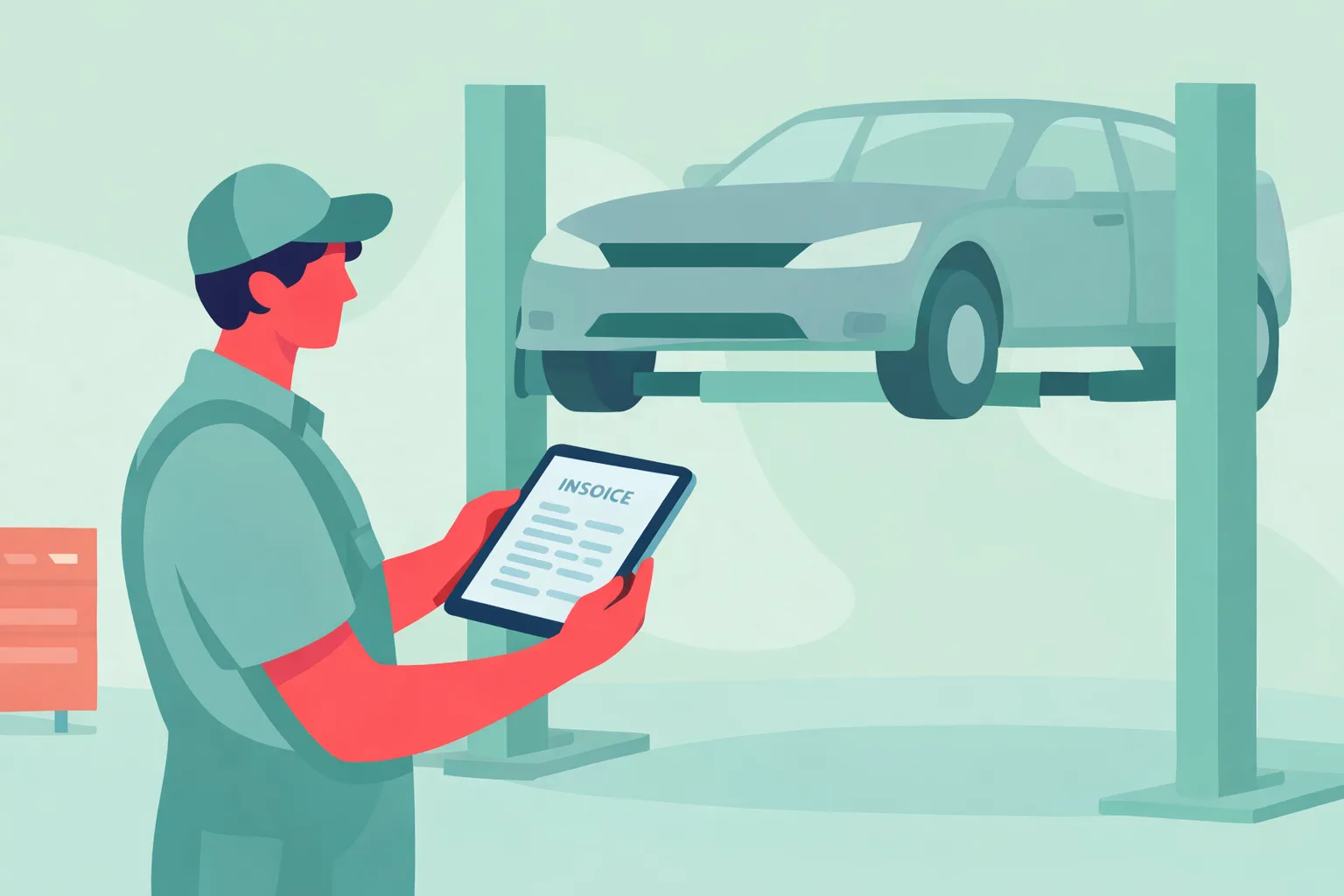
Why mechanics use InvoiceMaker
Every repair order needs the vehicle, the parts and the labor written down. InvoiceMaker turns that into a clean invoice.
- Vehicle details on every invoice. Year, make, model, VIN and mileage.
- Parts and labor, itemized. Save your labor rate and common parts.
- Quote first. Send an estimate for approval, then convert it when the work is done.
- Paid at pickup. Every invoice carries a payment link for card, Venmo, Zelle or PayPal.
- Mobile mechanics too. Invoice from your phone in the customer’s driveway.

How to make an auto repair invoice in 5 steps
- Add your shop details. Shop name, address and phone.
- Add the customer and vehicle. Year, make, model, VIN and mileage.
- Describe the repair. The customer’s complaint and what you did.
- List labor and parts. Labor hours, each part, fluids and shop supplies.
- Set terms and send. Add tax and send it with a payment link.
What to include on an auto repair invoice
| Field | Why it matters |
|---|---|
| Invoice number and date | Matches the invoice to the repair order. |
| Vehicle year, make, model | Identifies the car. |
| VIN and mileage | Ties the invoice to one specific vehicle, and documents mileage for warranty. |
| Complaint and work performed | Explains the bill in plain words. |
| Labor and parts | Separate lines for hours and each part. |
| Warranty and terms | Parts and labor warranty, plus payment terms. |
Common auto repair line items
| Line item | How it’s usually billed |
|---|---|
| Diagnostic | Flat fee or 1 hour of labor |
| Labor | Hours × shop rate |
| Parts | Per part, with markup |
| Oil and fluids | Per quart or per job |
| Shop supplies | Flat fee or small percentage |
| Disposal fees | Per tire, battery or fluid |

Auto repair by the numbers
- 825,800 automotive service technician and mechanic jobs in 2025 (BLS).
- 15% of auto mechanics are self-employed (BLS).
- $50,620: median annual pay in May 2025, with about 66,200 openings a year projected through 2035 (BLS).
- 56% of U.S. small businesses are owed money from unpaid invoices, averaging $17,500 each (QuickBooks, 2025).
- 47% of small businesses have invoices more than 30 days overdue (QuickBooks, 2025).
Take payment when the keys change hands, and you never have to chase it.
Free tools for mechanics
- Markup calculator: price materials and parts with your markup built in
- Billable hours calculator: turn labor time into an invoice total
Related auto repair templates
FAQs
Vehicle details including VIN and mileage, the work performed, labor, parts, tax, the total and any warranty terms.
It’s good practice: it ties the invoice to one specific vehicle.
Yes. Send it for approval, then convert it to the final invoice.
Add them as their own line, either a flat fee or a small percentage of the job.
Yes. InvoiceMaker runs on iPhone, Android, Mac and the web, all on one account.