
For fence installers
Fence Invoice Maker
Bill fence installs and repairs by the foot, with posts, panels, gates and deposits all itemized. Trusted by 1M+ small businesses since 2020, with 25,000+ five-star reviews.
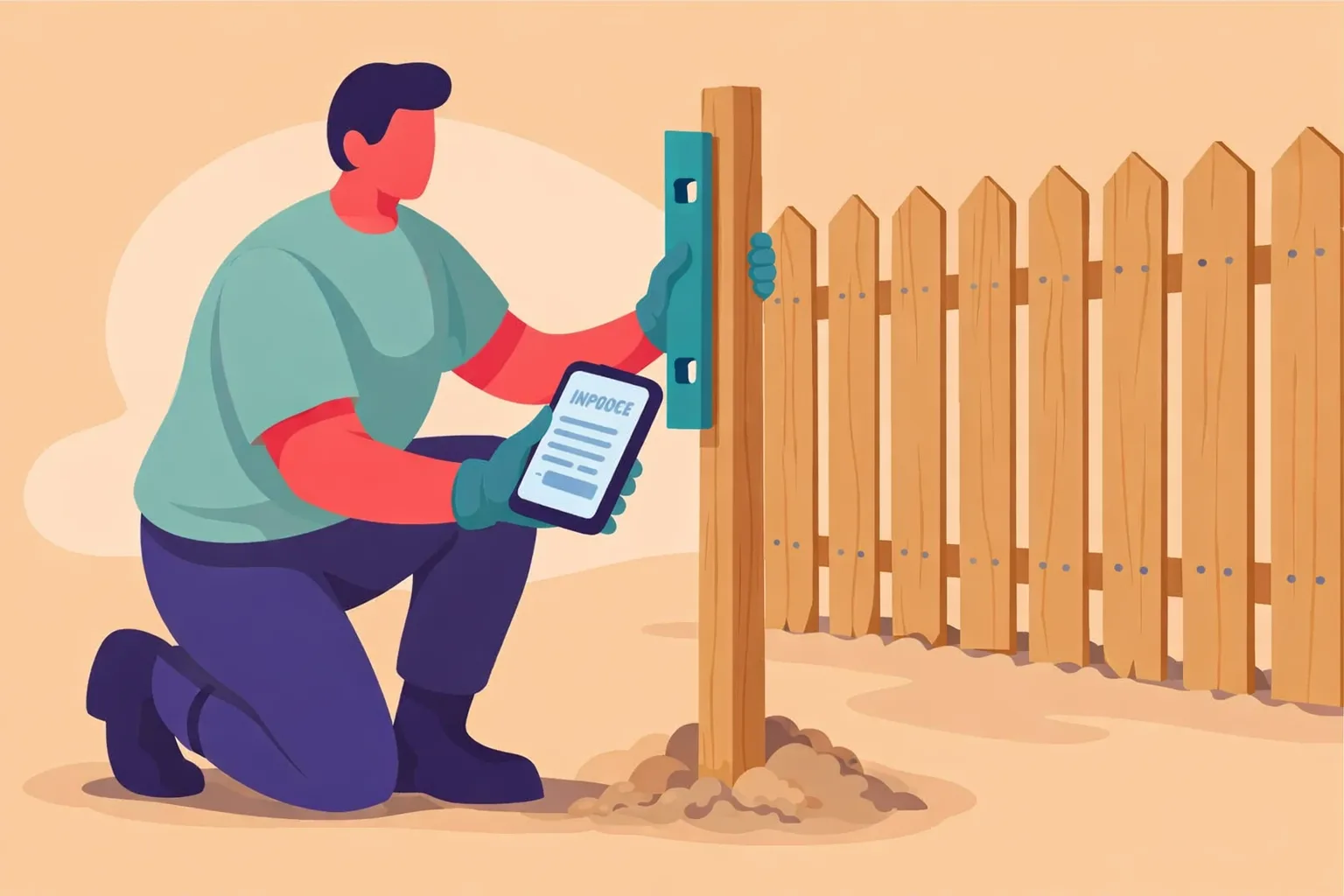
Why fence installers use InvoiceMaker
Fence jobs are measured by the foot. Your invoice should be too.
- Billed by the foot. Linear feet, materials and gates on separate lines.
- Save your rates once. Store your common services and prices, then reuse them on every job.
- Quote first, bill second. Send an estimate, then turn it into the invoice in one tap.
- Get paid on the spot. Every invoice carries a payment link for card, Venmo, Zelle or PayPal.
- Works anywhere. InvoiceMaker runs on iPhone, Android, Mac and the web, all on one account.
How to make a fence invoice in 5 steps
- Add your business details. Business name, logo and contact info.
- Add the client. Client name, billing address and the job or event details.
- Measure and list. Linear feet, fence type, posts, panels and gates.
- Add extras and tax. Any add-ons, travel or materials, plus tax where it applies.
- Set terms and send. Pick a due date and send it with a payment link.
What to include on a fence invoice
| Field | Why it matters |
|---|---|
| Invoice number and dates | Service date, issue date and due date keep records straight. |
| Your business and contact details | So the client knows who to pay and how to reach you. |
| Client details | Name and billing address, plus the job location if it differs. |
| Fence type and linear feet | Shows the scope of the job. |
| Itemized charges | Separate lines show exactly what the client is paying for. |
| Payment terms and methods | When payment is due, how to pay and any late fee. |
Common fence line items
| Line item | How it’s usually billed |
|---|---|
| Fence installation | Per linear foot |
| Posts and panels | Per item, with markup |
| Gates | Per gate |
| Old fence removal | Per linear foot or flat |
| Deposit | Subtracted from the final balance |
Small business payments by the numbers
- 56% of U.S. small businesses are owed money from unpaid invoices, averaging $17,500 each (QuickBooks, 2025).
- 47% of small businesses have invoices more than 30 days overdue (QuickBooks, 2025).
Send the invoice the day the work is done, with a payment link attached, and most clients pay right away.
Free tools for fence installers
- Markup calculator: price materials and parts with your markup built in
- Late fee calculator: work out interest on an overdue invoice
Related fence templates
FAQs
Usually per linear foot, with gates and removal priced separately.
Record it as a payment received so the invoice shows the remaining balance.
Yes, with your markup built in, so the client sees what went into the job.
Yes. Every InvoiceMaker invoice includes a payment link for card, Venmo, Zelle or PayPal.
InvoiceMaker runs on iPhone, Android, Mac and the web, all on one account.