
Blank Invoice Template
Last Updated:
The average rating is 5/5, for null votes.


(No Ratings Yet)
Download our free blank invoice template and start billing clients in minutes. This fully customizable template works for freelancers, small businesses, and contractors — just fill in your details, add your line items, and send. Available in PDF, Word, and Excel formats, our blank invoice template covers everything you need: client information, itemized services, payment terms, and totals. No sign-up required.
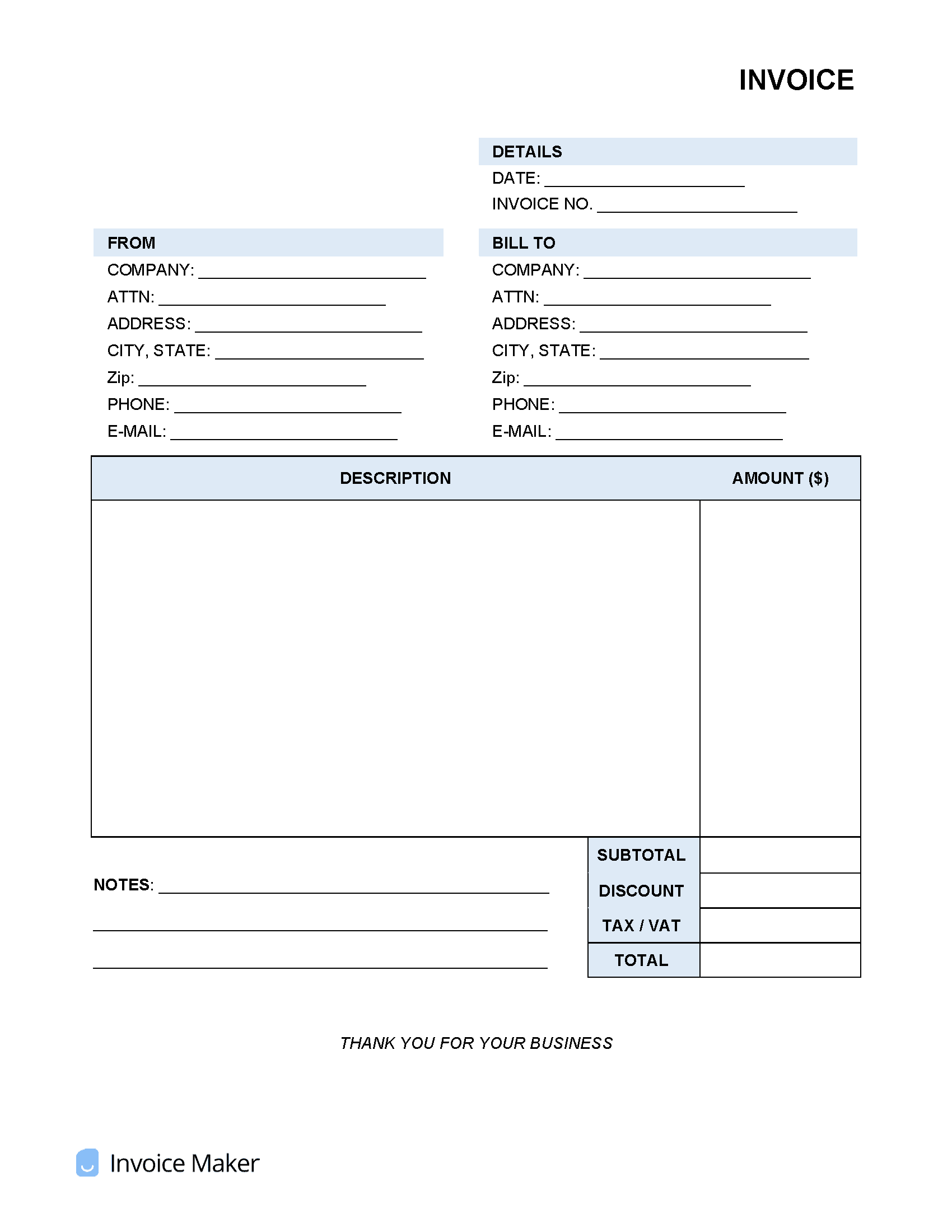
 PDF &
PDF &  Excel) or create one online!
What to include on a blank invoice template:
- Business name and logo — Add your company name, logo, and contact information at the top of the invoice
- Client information — Include your client’s name, business name, and billing address
- Unique invoice number — Assign a sequential invoice number to keep your records organized and easy to reference
- Invoice date and due date — Clearly state when the invoice was issued and when payment is expected
- Itemized list of services or products — Break down each product sold or service rendered with a brief description and quantity
- Rate and line totals — List the unit price for each item and the extended total per line
- Subtotal, taxes, and discounts — Show any applicable tax rates, discounts, or fees before the final amount
- Invoice total — Display the full amount due in a clear, prominent location
- Accepted payment methods — Let your client know how they can pay — check, bank transfer, credit card, etc.
- Payment terms and late fees — Specify your net payment window (Net 15, Net 30, etc.) and any penalties for late payment
- Notes or special instructions — Add a thank-you message, project reference number, or any other relevant details
Not sure where to start? Learn the basics in our complete guide on how to create invoices before customizing your template.