
For freelancers
Freelance Invoice Maker
Bill by the hour, the project or the milestone, and get paid by card, PayPal or bank transfer. Trusted by 1M+ small businesses since 2020, with 25,000+ five-star reviews.
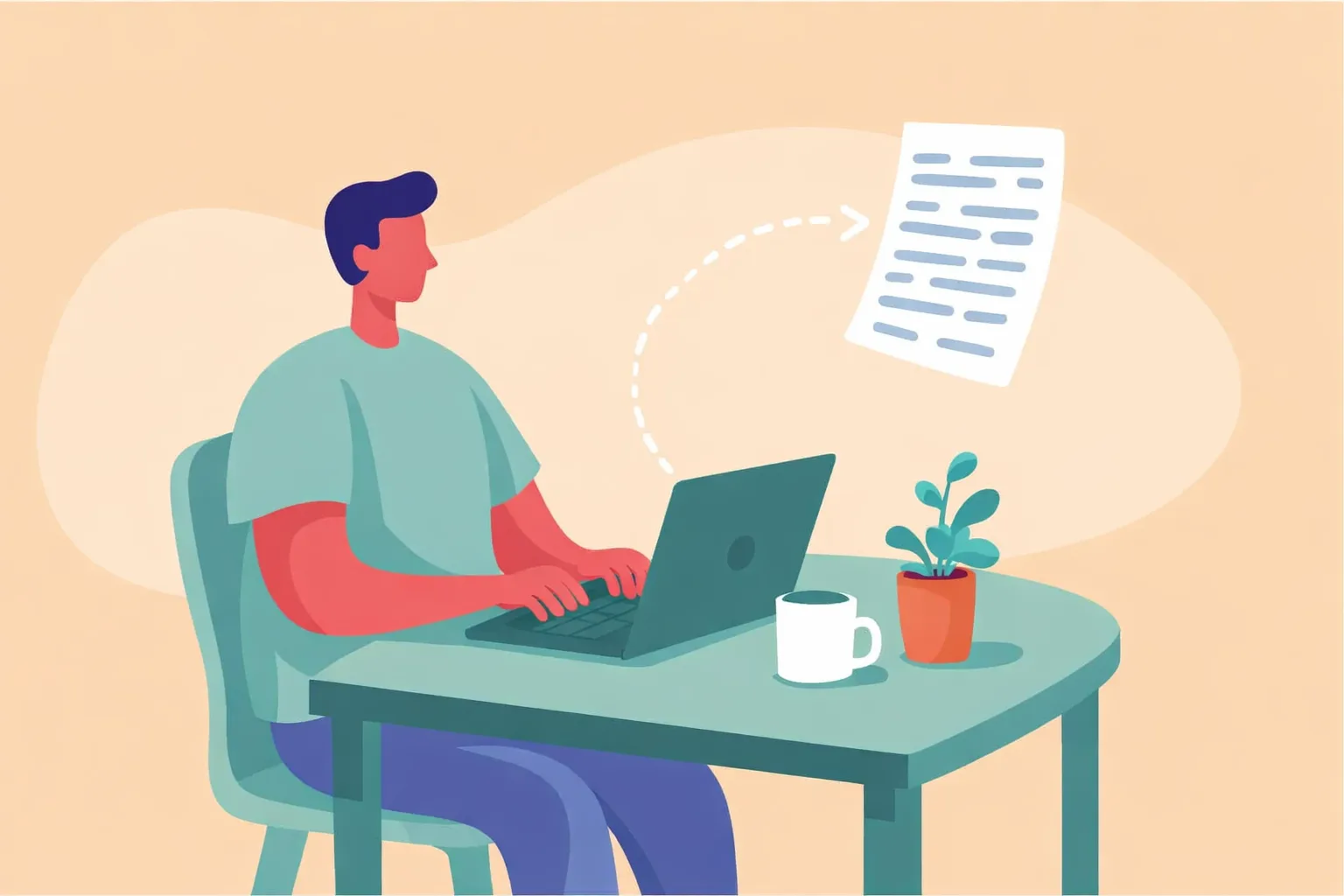
Why freelancers use InvoiceMaker
Freelancers do their own billing. InvoiceMaker makes it the quickest part of the job.
- Hourly, project or milestone. Bill the way you priced the work.
- Save your rates once. Store your common services and prices, then reuse them on every job.
- Quote first, bill second. Send an estimate, then turn it into the invoice in one tap.
- Get paid on the spot. Every invoice carries a payment link for card, Venmo, Zelle or PayPal.
- Works anywhere. InvoiceMaker runs on iPhone, Android, Mac and the web, all on one account.

How to make a freelance invoice in 5 steps
- Add your business details. Business name, logo and contact info.
- Add the client. Client name, billing address and the job or event details.
- List the work. Hours with dates, a project fee or a milestone.
- Add extras and tax. Any add-ons, travel or materials, plus tax where it applies.
- Set terms and send. Pick a due date and send it with a payment link.
What to include on a freelance invoice
| Field | Why it matters |
|---|---|
| Invoice number and dates | Service date, issue date and due date keep records straight. |
| Your business and contact details | So the client knows who to pay and how to reach you. |
| Client details | Name and billing address, plus the job location if it differs. |
| Project and deliverables | What you delivered, so the client can approve it fast. |
| Itemized charges | Separate lines show exactly what the client is paying for. |
| Payment terms and methods | When payment is due, how to pay and any late fee. |
Common freelance line items
| Line item | How it’s usually billed |
|---|---|
| Hourly work | Hours × rate |
| Project fee | Flat rate |
| Milestone payment | Percentage or fixed amount |
| Rush fee | Flat or percentage |
| Expenses | Pass-through at cost |
Freelancing by the numbers
- 64 million Americans did freelance work in 2023 (Upwork, 2023).
- Freelancers made up 38% of the U.S. workforce (Upwork, 2023).
- Freelancers earned about $1.27 trillion in 2023 (Upwork, 2023).
- 56% of U.S. small businesses are owed money from unpaid invoices, averaging $17,500 each (QuickBooks, 2025).
- 47% of small businesses have invoices more than 30 days overdue (QuickBooks, 2025).
Send the invoice the day the work is done, with a payment link attached, and most clients pay right away.
Free tools for freelancers
- Billable hours calculator: turn labor time into an invoice total
- Minutes to decimal calculator: turn 2h 45m into 2.75 hours
- Invoice due date calculator: find net 15, 30 and 60 due dates
Related freelance templates
FAQs
Your details, the client, the project, hours or fees, any expenses, the total and payment terms.
Either. Hourly suits open-ended work; project fees suit defined scopes.
Net 15 or net 30 are common. Put the due date and any late fee on the invoice.
Yes. Every InvoiceMaker invoice includes a payment link for card, Venmo, Zelle or PayPal.
InvoiceMaker runs on iPhone, Android, Mac and the web, all on one account.