
501(c)(3) Organization Donation Receipts (6)


(No Ratings Yet)
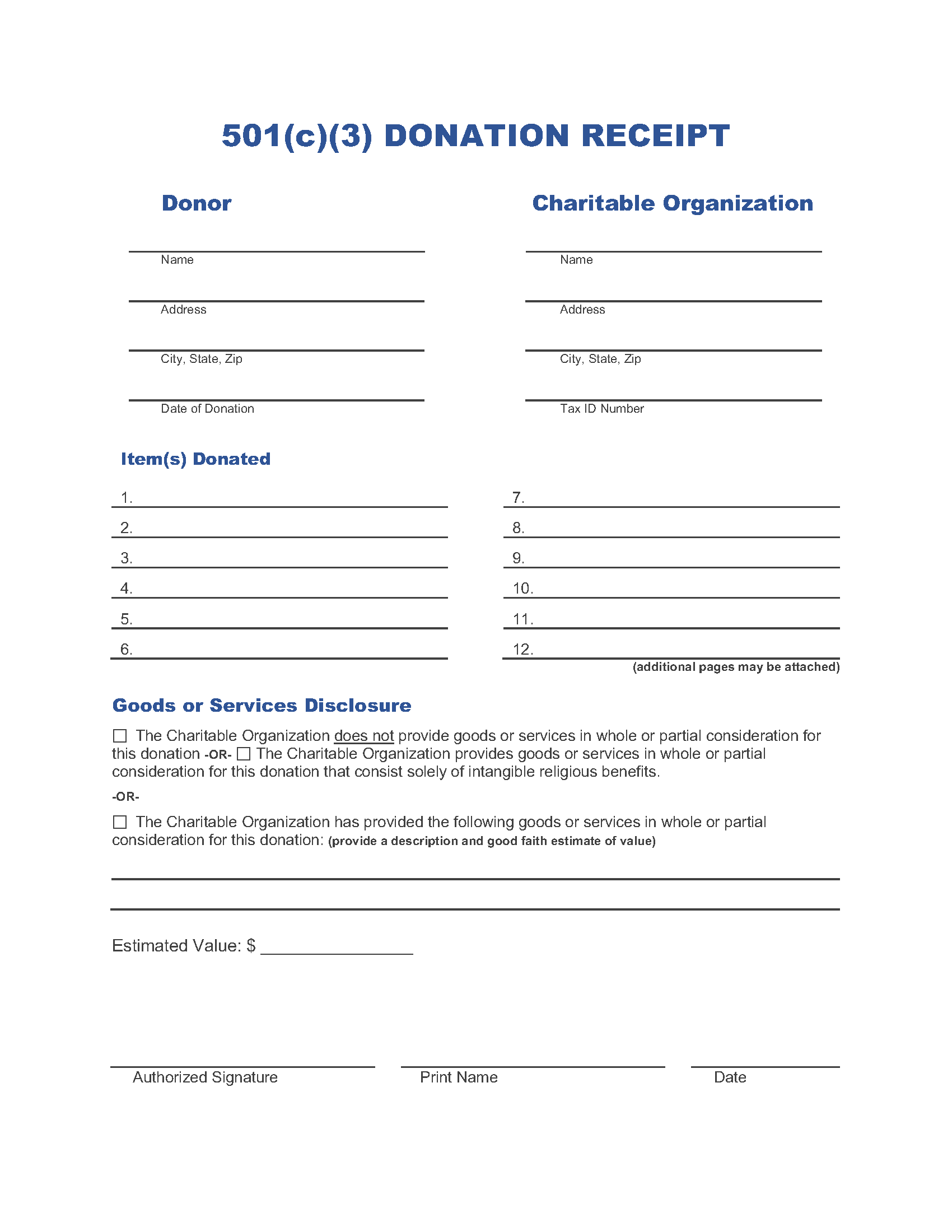
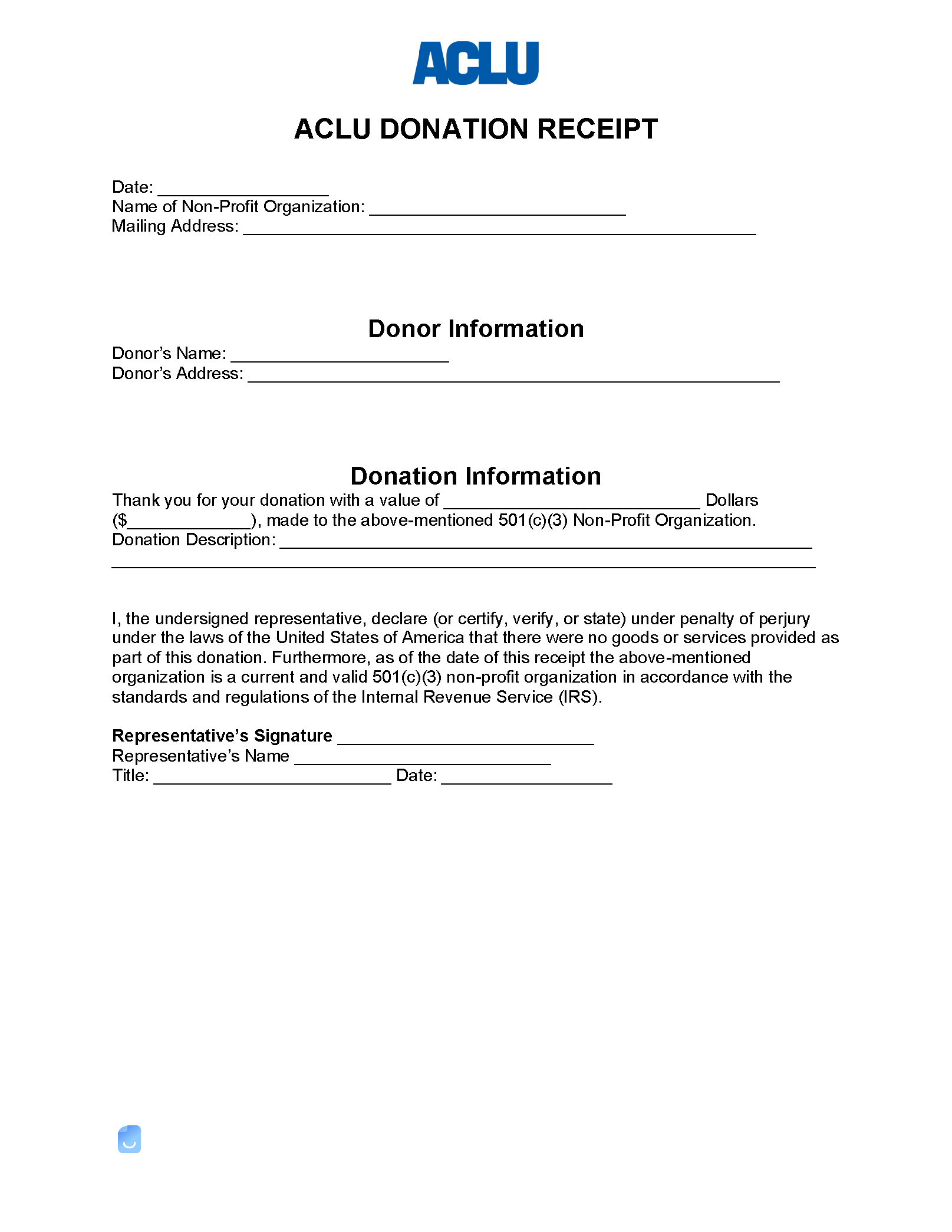
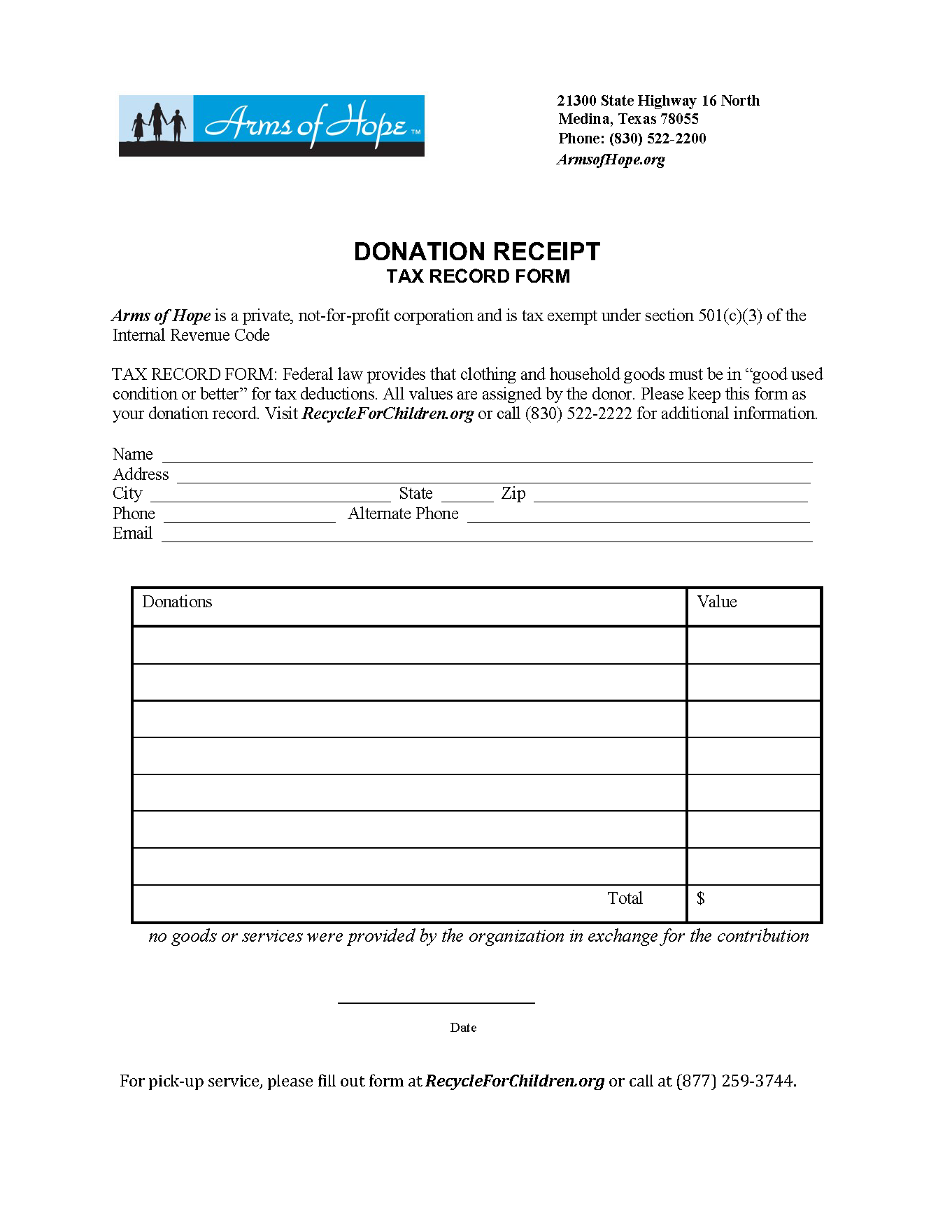
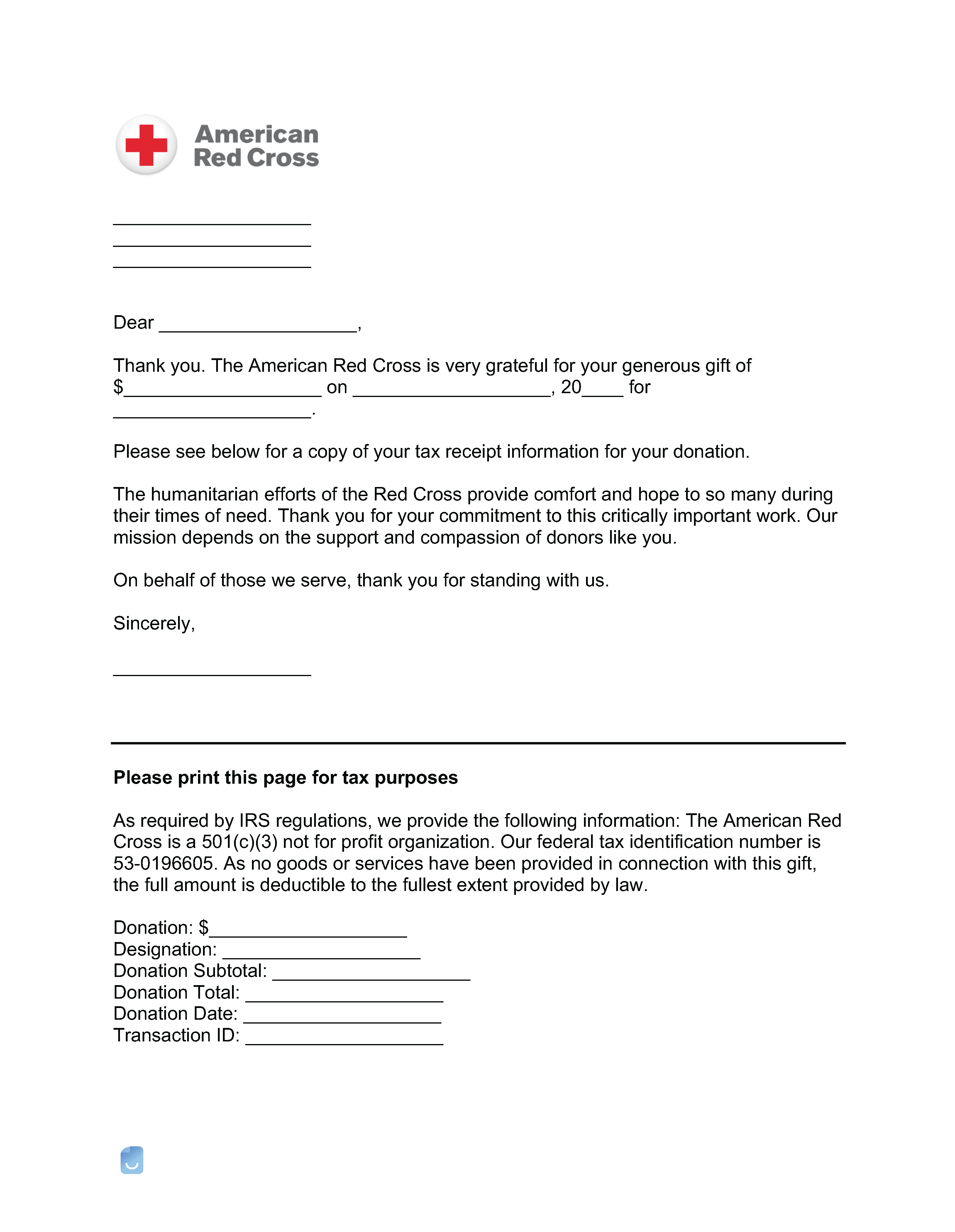
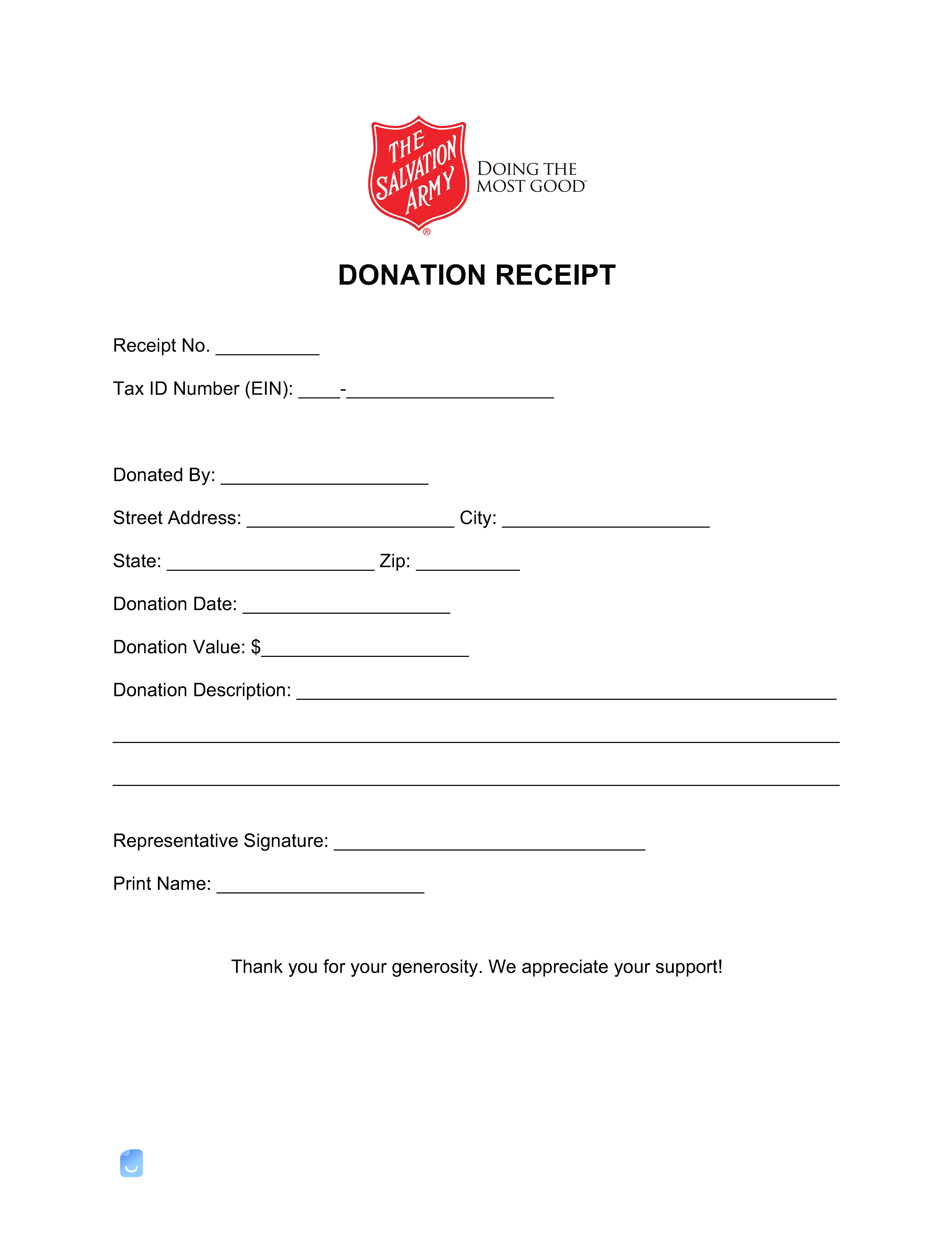
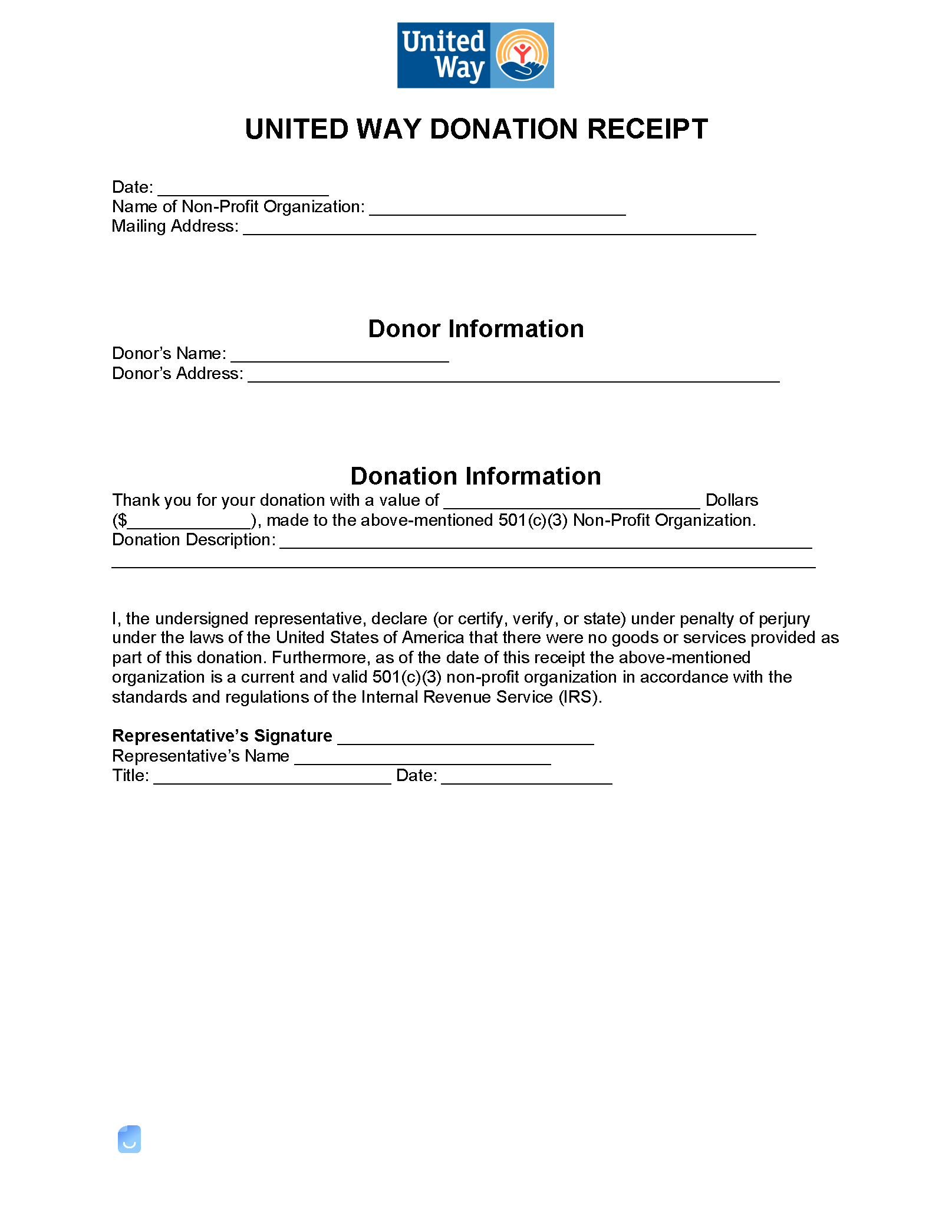
A 501(c)(3) organization donation receipt is given to a donor for tax purposes. According to the IRS, any deductions claimed of $250 or more for donations must have a physical or electronic receipt from the organization it was made. Verify a 501(c)(3) Organization – Use the IRS Website to make sure an organization is a non-profit.
 PDF,
PDF,  ODT &
ODT &  Word) or create one online!
What Should it Include?
According to the IRS, donation receipts of $250 or more must include:
- Organization’s name;
- Amount of contribution ($);
- Description of estimate (for non-cash donations);
- Description of value (i.e. cash, clothing, etc.); and
- Statement that no goods or services were provided by the organization.
By Type (9)


Requirements: By Amount ($)
If an individual or business entity would like to deduct a donation made from their annual tax filing.
Less than $250
For any donations of $250 or less, no receipt is required (26 U.S. Code § 175(f)(8)(A)).
More than $250
Donations of $250 or more, in order to obtain a deduction on the taxpayer’s filing, must include a written acknowledgment by the organization (26 U.S. Code § 175(f)(8)(A)).
More than $500
Donations of more than $500 must have a full description of the item being donated (26 U.S. Code § 175(f)(11)(B)).
More than $5,000
Donations of more than $5,000 must have a “qualified appraisal” performed within 60 days of the contribution. In addition, IRS Form 8283 Section B must be attached to the tax return.
How Much Can I Deduct?
In accordance with the IRS (26 U.S. Code § 170(b)(1)(B)), a filer can deduct up to 50% of the adjusted gross income on their return (located on line 36 of IRS Form Schedule 1).
Sample: 501(c)(3) Donation Receipt
Download: Adobe PDF, MS Word, OpenDocument
Not sure where to start? Learn the basics in our complete guide on how to create invoices before customizing your template.
Sample
FAQs
Yes. Our 501(c)(3) Organization Donation Receipts (6) is completely free. No credit card required. No sign-up required to download or use. You are free to save it, edit it, or modify it to fit your needs.
Possibly. To edit an XLS or a Word document, you may need Microsoft Office installed on your computer. You can also possibly use Google Docs Online with your Google account
For help using 501(c)(3) Organization Donation Receipts (6), check out our resource at How to create invoices, which covers everything you need to know to make your own invoices.
If you just need to generate invoices online without downloading anything to your phone or computer you can use our Free Invoice Generator