
Locksmith Work Order Template


(No Ratings Yet)
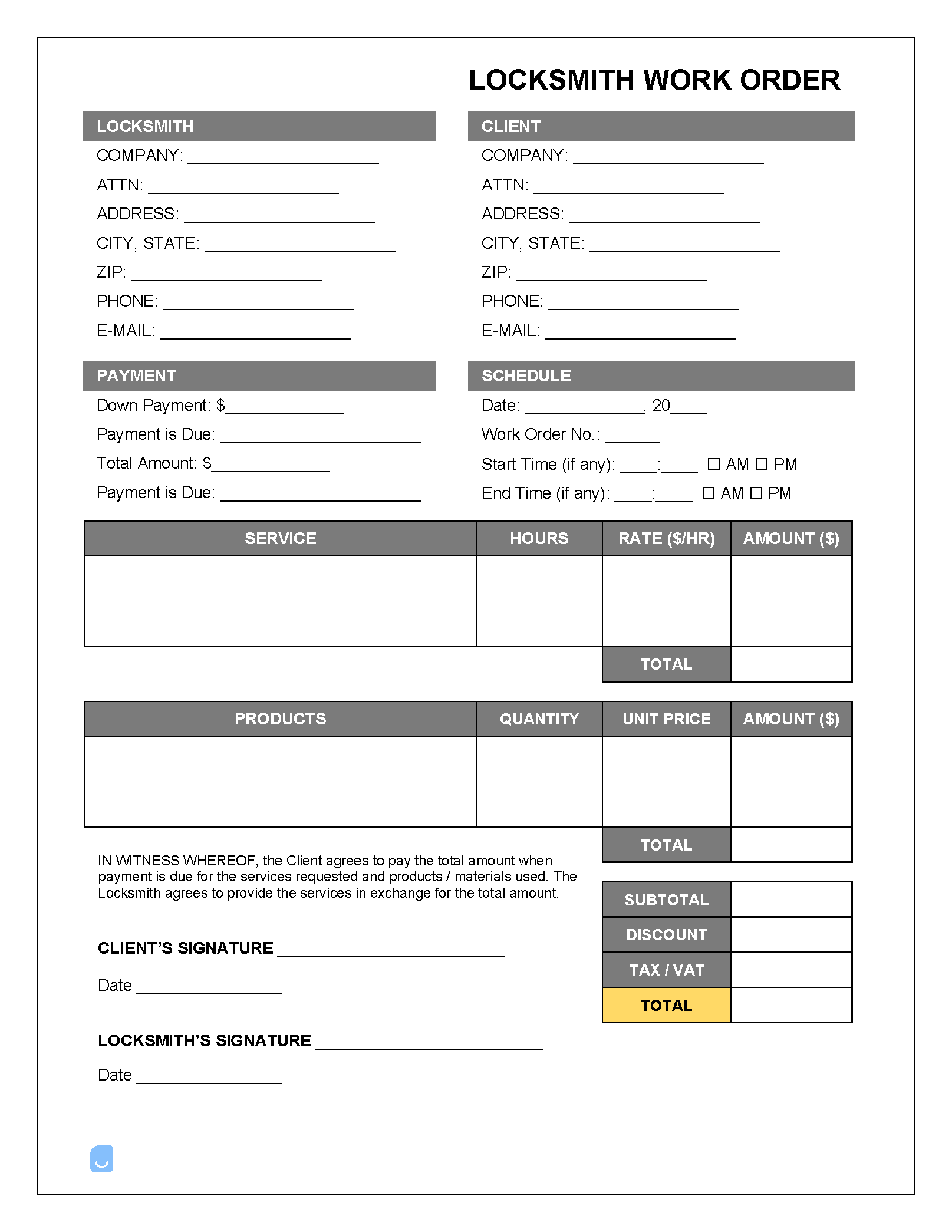
A locksmith work order is a form used for taking requests for locksmith services to be performed, whether it be replacing keys, fixing broken locks, opening a vehicle, or conducting major lock installations. The form contains all of the information for the job in a single place, allowing the locksmith to have access to the details of the job at a moment’s notice.
 PDF,
PDF,  Excel &
  Word) or create one online!
About the Locksmith Work Order
A locksmith work order needs to be able to answer the following questions:
- Who’s completing the service? The locksmith or locksmithing company’s contact information.
- Who is the client? – Client name, address, phone number, and email.
- What work order is it? – Each work order should contain a unique number for accounting purposes (known as the “invoice number”).
- What does the client need? – The locksmith will need to enter the exact tasks as requested by the client.
- What does it cost? – Both the labor and/or material charges should be separated and priced accurately for each task/job ordered.
- Does the customer give approval? – At the bottom of the form should be a space for the customer’s signature. Having the client’s signed approval for the job helps to prevent future discord and confusion.
Not sure where to start? Learn the basics in our complete guide on how to create invoices before customizing your template.
Sample
FAQs
Yes. Our Locksmith Work Order Template is completely free. No credit card required. No sign-up required to download or use. You are free to save it, edit it, or modify it to fit your needs.
Possibly. To edit an XLS or a Word document, you may need Microsoft Office installed on your computer. You can also possibly use Google Docs Online with your Google account
For help using Locksmith Work Order Template, check out our resource at How to create invoices, which covers everything you need to know to make your own invoices.
If you just need to generate invoices online without downloading anything to your phone or computer you can use our Free Invoice Generator