
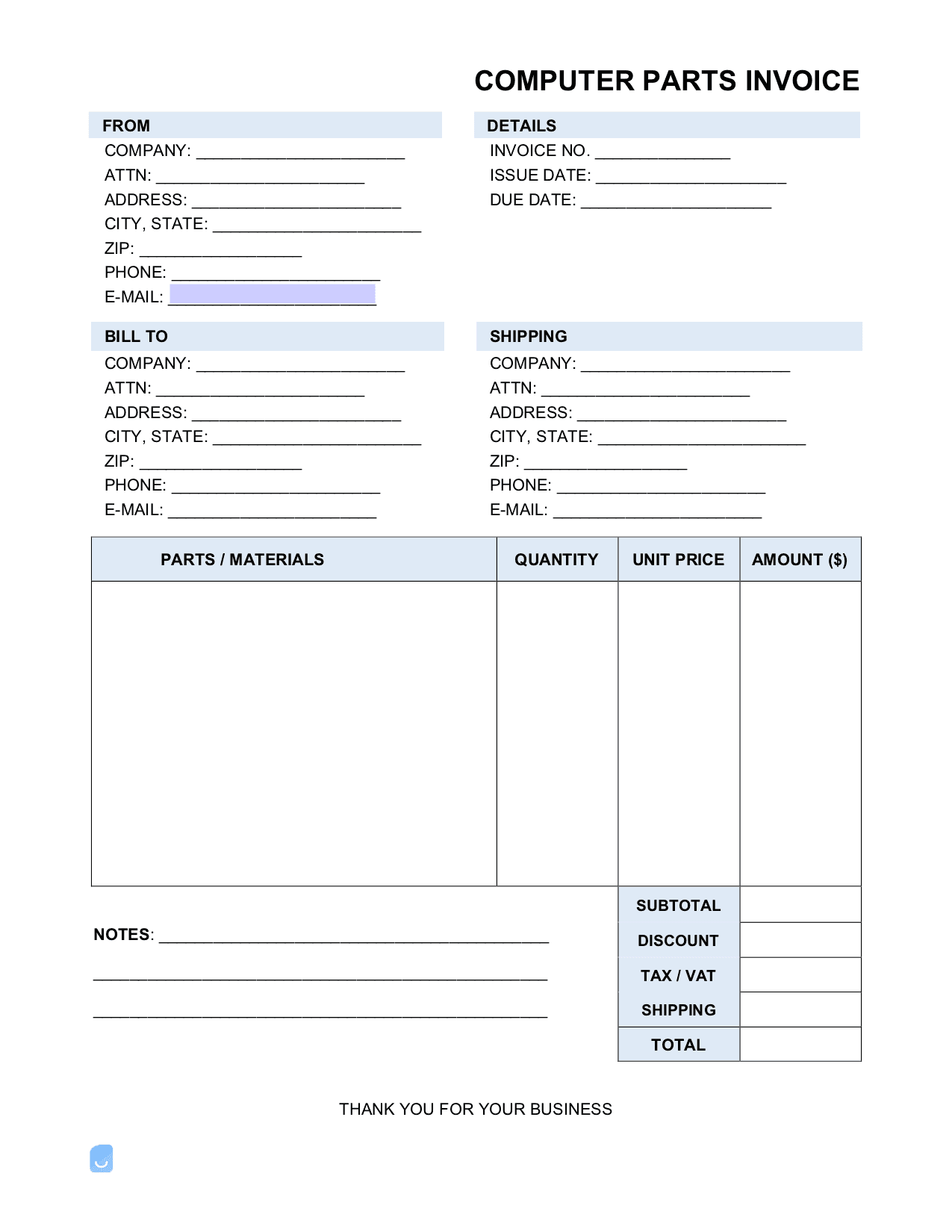
Computer Parts (ONLY) Invoice Template


(No Ratings Yet)
 PDF,
PDF,  Excel &
  Word) or create one online!
A computer parts invoice is a product-only invoice used to list the parts purchased by a consumer or business customer and the total outstanding balance they are required to pay within an established timeframe. An invoice is a document very similar to a bill in that it contains a list of items charged, the amount of time the customer has to pay before late fee(s) are issued, and the contact information of both the seller and buyer.
Major Parts of a Computer
Although computers vary in complexity, price, and performance, their basic structure and method of operation are all very similar. The following make up the major parts of a modern computer (note that each part can be further broken down into more descriptive parts – the following is an overview only):
- Motherboard – The central hub that connects all internal components. It contains the ports that allow a user to connect USBs, external audio, and monitors, to name a few.
- Memory (RAM) – Short-term memory that is responsible for handling the most upfront and pressing tasks. It works in conjunction with the computer’s memory to load applications and allows the user to jump between already-open programs with ease. The more RAM a user has, the better the computer’s “multi-tasking” ability will be.
- Central Processing Unit (CPU) – Widely considered the “brain” of the computer, the CPU is responsible for processing the data handed to it by the RAM. CPUs perform three (3) general functions: fetch, decode, and execute in that order.
- Storage (Hard Disk Drive / Solid State Drive) – The hardware that permanently stores a computer’s data. A computer can be equipped with a hard disk and/or solid-state drive. Solid-state memory, while more money, is faster and more robust than its hard disk counterpart.
- Video Card – Also called “graphics cards,” this part connects to the motherboard and is responsible for processing images to be displayed through a computer monitor. Higher-end graphics cards can handle more complex image rendering, such as 3D display and enhanced graphics.
Average Computer Part Prices
A useful tool for staying up-to-date with the current price trends of computer parts by manufacturer and type is through PCPricePicker’s Price Trends. The service provides price current and past price trends of CPUs, memory cards, monitors, storage, and video cards.
Not sure where to start? Learn the basics in our complete guide on how to create invoices before customizing your template.
Sample
FAQs
Yes. Our Computer Parts (ONLY) Invoice Template is completely free. No credit card required. No sign-up required to download or use. You are free to save it, edit it, or modify it to fit your needs.
Possibly. To edit an XLS or a Word document, you may need Microsoft Office installed on your computer. You can also possibly use Google Docs Online with your Google account
For help using Computer Parts (ONLY) Invoice Template, check out our resource at How to create invoices, which covers everything you need to know to make your own invoices.
If you just need to generate invoices online without downloading anything to your phone or computer you can use our Free Invoice Generator